

guide
Suno Personas vs Voices: which identity tool to use
Choose a Style Persona, a recorded Voice, or a six-track custom model when you want later Suno songs to keep a recognisable identity.
Читать далее →Гайды
Step-by-step Suno tutorials for beginners, vocal control, instrumental music and short-form video soundtracks.

22 · ru
Choose a Style Persona, a recorded Voice, or a six-track custom model when you want later Suno songs to keep a recognisable identity.
Читать далее →
Choose Cover, Extend, Replace Section or Crop for a finished Suno take, then check the new file against the original.
Читать далее →
Decide when a shared Suno workspace is safer than an album or a public library, and what an invite actually exposes.
Читать далее →
Use Studio’s chat bar for a describable part or effect, keep Undo ready, and leave timing repairs to the timeline tools.
Читать далее →
Choose Loop or One Shot in Suno Sounds, write a focused percussion brief, and check timing, unwanted layers and the end-to-start join before arranging.
Читать далее →
Fix a late start without confusing it with tempo drift. Use the October Studio update with a four-bar timing example and a practical fade checklist.
Читать далее →
Choose a Suno v6 model by task, understand Variety and Max Mode, and compare candidates with a fixed brief instead of chasing a universal best setting.
Читать далее →
Create a Suno album or convert a playlist, choose and order your own songs, review artwork and understand what becomes public when you publish.
Читать далее →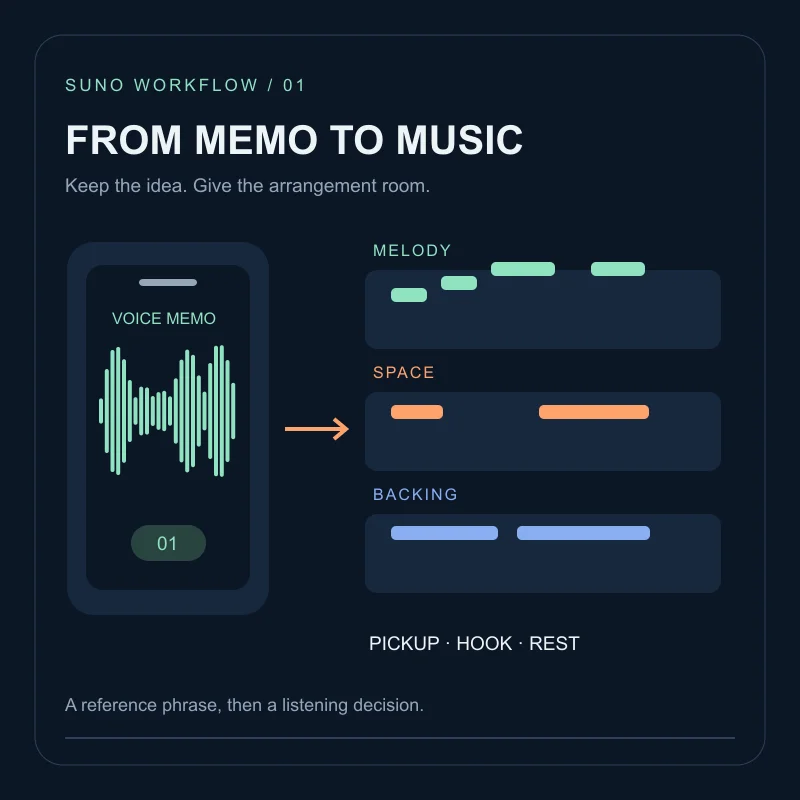
Prepare a voice memo for Suno, choose what the new arrangement should preserve, and compare melody, rhythm and phrase endings before keeping a take.
Читать далее →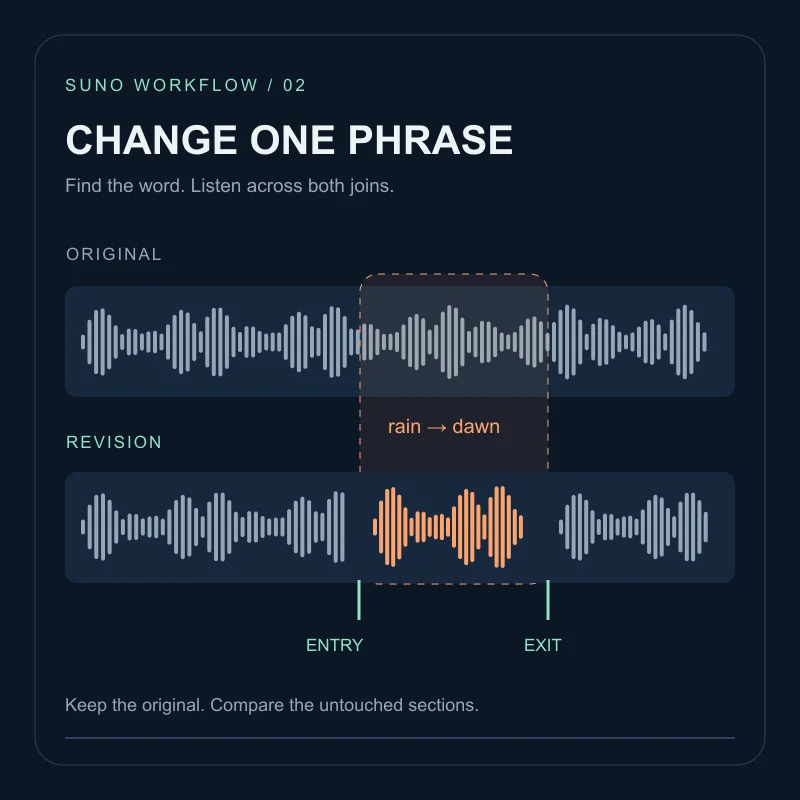
Change a word or section in Suno with a focused revision brief, compare the joins and untouched sections, and keep a clear original-to-candidate record.
Читать далее →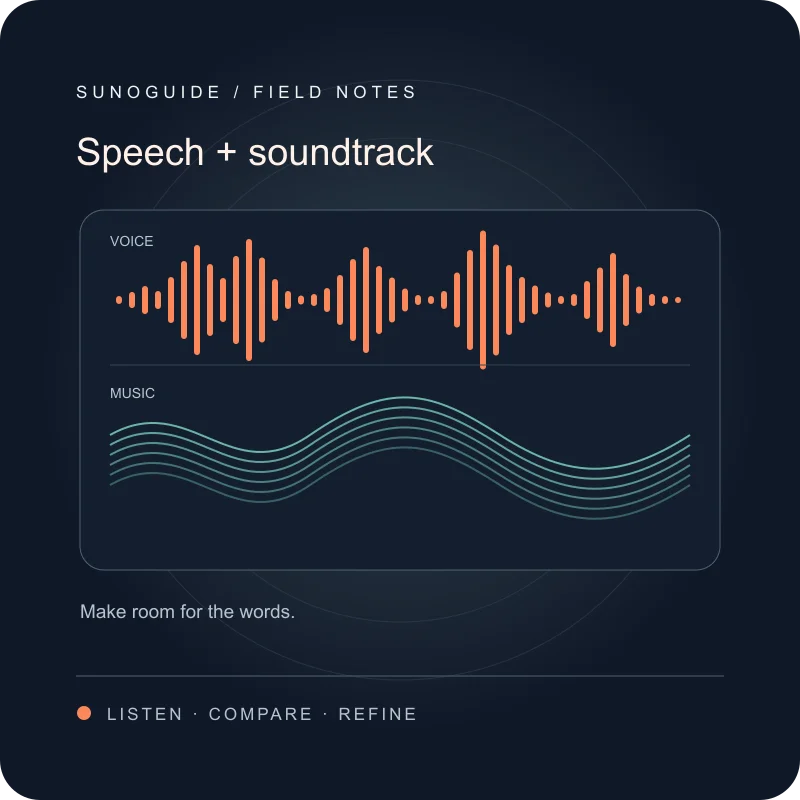
Use Suno Speech beta for spoken pieces with music. Compare joint generation with separate narration, write a focused brief and check words, pauses and masking.
Читать далее →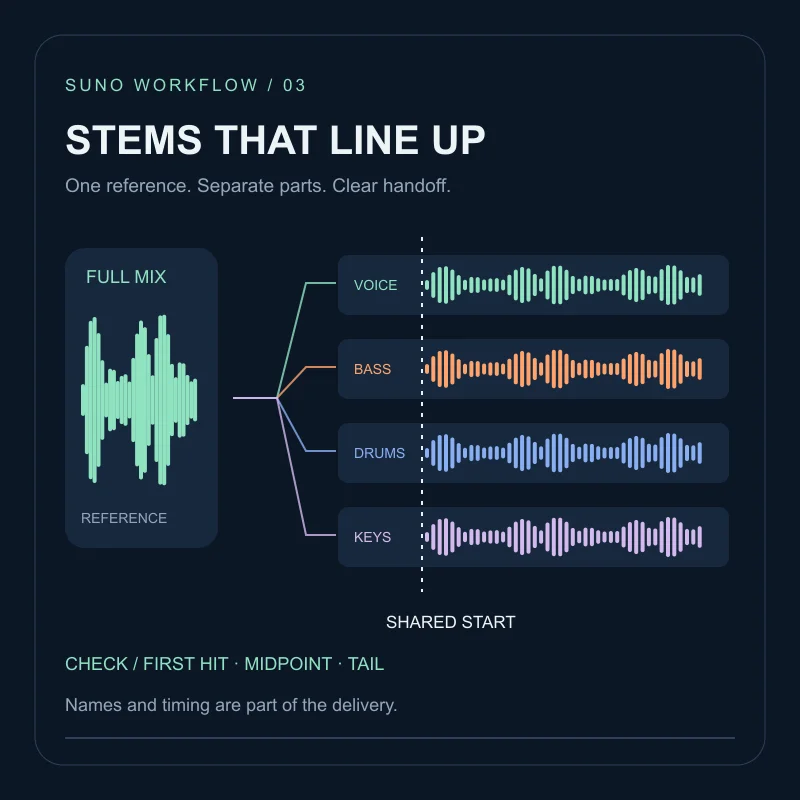
Choose the right Suno stem split, export the intended timeline range, and check starts, drift, tails and file names before handing tracks to another editor.
Читать далее →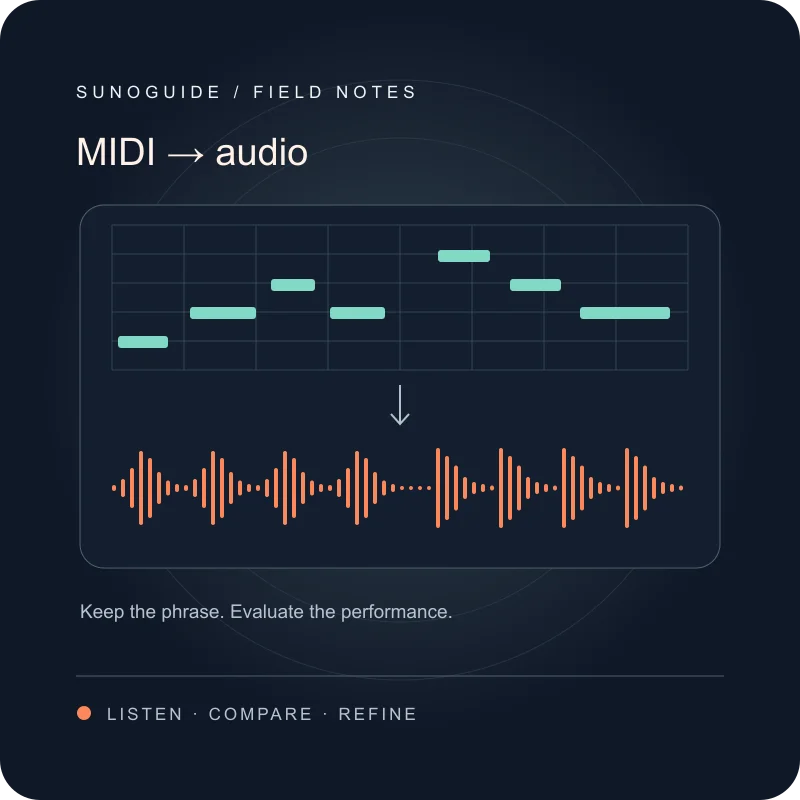
Turn a short MIDI idea into an audio stem in Suno Studio, then check note starts, rests, phrase endings and fit before replacing the original part.
Читать далее →
Fix generic or robotic Suno vocals with clearer vocal character, delivery, mic feel, and section-level cues.
Читать далее →
Suno instrumental prompt examples for BGM, ambient beds and video edits, with checks for unwanted vocals and loop transitions.
Читать далее →
Format Suno lyrics with verse, chorus and bridge markers. Try a lyric template and learn what to check when the arrangement differs from your brief.
Читать далее →
Avoid vague prompts, mixed fields, artist-name roulette, and over-tagging — plus practical fixes for cleaner Suno generations.
Читать далее →
A step-by-step Suno tutorial: plan your first track, then pick a follow-up task such as model choice, a lyric edit or an export check.
Читать далее →Build a Suno prompt from genre, mood, voice and instruments. Copy examples for pop, lo-fi and cinematic music, then compare one change at a time.
Читать далее →
Plan a Suno background track for a short video, try three instrumental prompts, fit the edit and check voiceover clarity and loop transitions.
Читать далее →
Compare Suno and Udio with the same creative brief, listening checklist and export requirements. A practical selection guide without invented scores.
Читать далее →Ready to try the workflow?
Take your prompt into a compatible music workspace and start shaping your next track.
Создать бесплатно на MidassAI