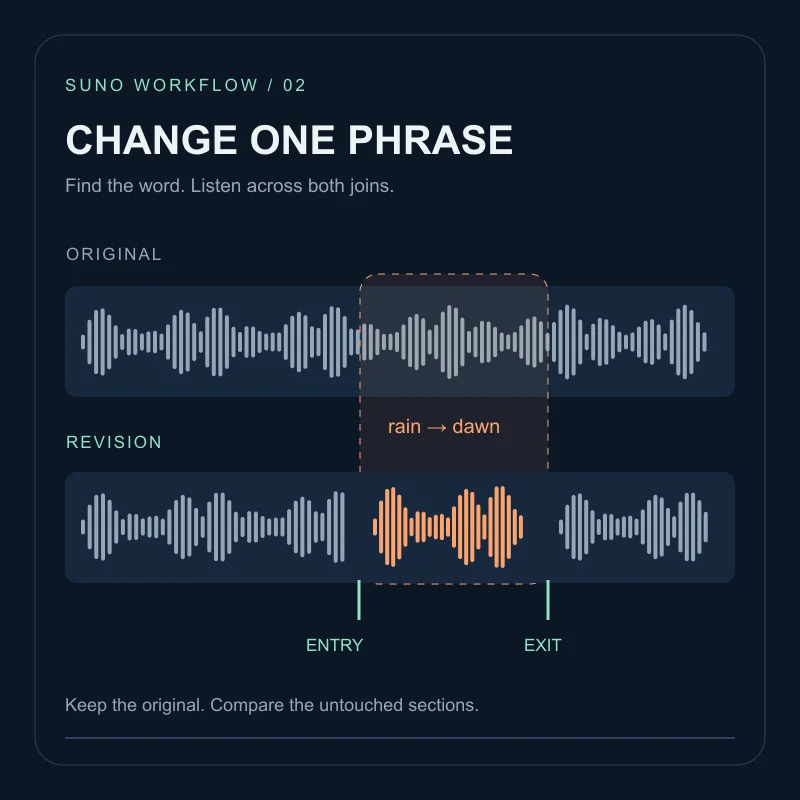
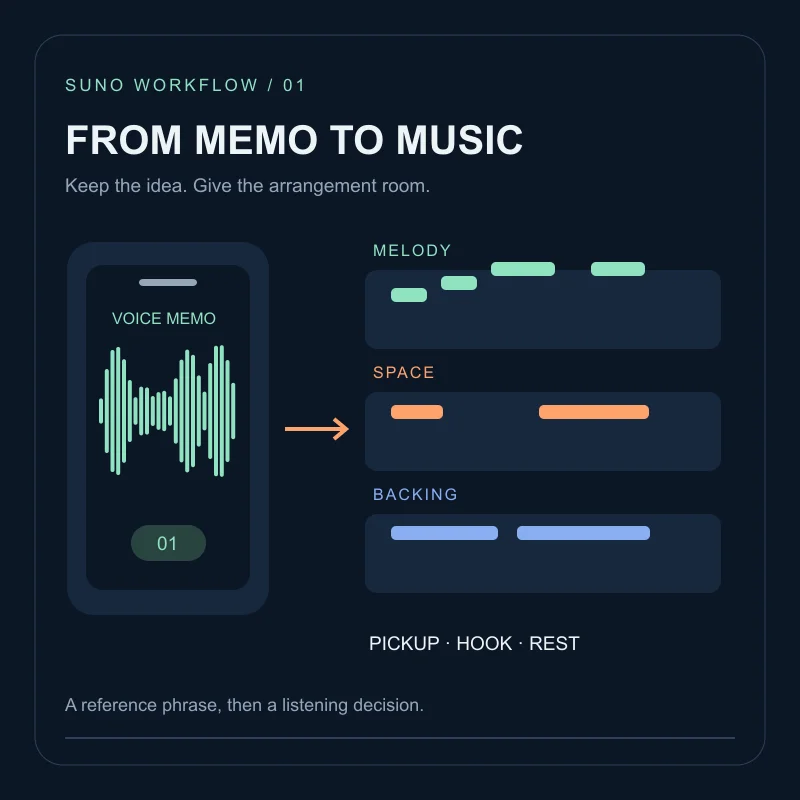
These prompts and section cues are suggestions to compare, not a documented model test or a guarantee. Responses can vary by model, interface and take; listen to the complete result before using it.
The vocal problem most creators hit
A strong beat with a bland singer is still unusable for most content. Try a three-layer vocal brief to make your intended sound easier to describe and compare.
Three layers to specify in Style
- Character — who is singing (raspy tenor, breathy alto, warm baritone, bright soprano)
- Delivery — how they sing (intimate, belted, spoken-sung, airy, aggressive)
- Mic / mix feel — how it is recorded (dry close-mic, plate reverb, radio polish, lo-fi tape)
Weak vs strong
# Weak
female vocals, pop song

# Stronger
indie pop, breathy female alto, intimate delivery, dry close-mic, soft guitar bed
Put genre and vocal character first to keep the brief readable. This is an editing convention, not a claim about how Suno weights tokens.
Pair Style with Lyrics cues
Style sets the default voice. Lyrics tags steer moments:
[Verse: whispered, close]
I count the rooms I never keep

[Chorus: belted, open]
Leave the light on for me
Use cues sparingly — one clear direction per section beats five adjectives.
Genre-matched vocal lanes
| Goal | Useful Style cues |
|---|---|
| Indie / bedroom | breathy, intimate, dry close-mic, soft consonants |
| Pop radio | clear lead vocal, polished mix, stacked harmonies |
| Rock / alt | raspy grit, mid-forward, live-room feel |
| R&B | smooth runs, warm tone, velvet reverb |
| Hip-hop / spoken | rhythmic spoken-sung, dry vocal, punchy consonants |
| Ballad | restrained verse, bigger chorus belt, cinematic space |
Fixes for common vocal fails
- Robotic highs — add
raw vocalsornatural vibrato; lower creativity if your tool exposes it; simplify melisma in lyrics. - Wrong gender / register — state gender + register explicitly every generation.
- Mumbled words — shorten lines; prefer open vowels in the chorus; avoid tongue-twisters.
- Chorus too quiet — tag
[Chorus: belted]and addradio-ready vocal presenceto Style. - Too much reverb soup — ask for
dry close-micin Style and keep wet cues only on the bridge.
Iteration loop that actually teaches you
Change one vocal variable per render:
- Keep genre + lyrics fixed.
- Swap only delivery (
intimate→belted). - Or swap only mic feel (
dry→plate reverb). - Keep the take that improves intelligibility and emotion.
Test the vocal brief
Draft the Style line in the prompt builder, paste tagged lyrics, then generate in the workspace you use. Treat the first take as a casting session — you are hiring a voice, not hoping for a miracle.
Better vocals come from a clear casting brief, not from hoping “female vocals” is enough.
A Style line is not a Voice. If you need a reusable recorded timbre, a Persona from one song, or a six-track custom model, start with Personas vs Voices.
FAQ
Why do Suno vocals sound generic?+
Different takes can vary even with the same prompt. Describe character, delivery and mix feel, then compare results while keeping the lyrics fixed.
Should I name a famous singer?+
Describing vocal qualities is usually more reliable than relying on artist names, which can be inconsistent or restricted.
Style or lyrics — where do vocal notes go?+
Put the overall voice in Style. Put section delivery (whispered verse, belted chorus) in Lyrics tags.