Wanting later songs to “sound like last Tuesday’s take” is three different jobs. Capture one song’s vibe as a Persona, record a verified Voice, or train a custom model on a small catalogue you own. Mixing those jobs wastes credits and muddies what you are testing.
This is a selection guide checked on 16 October 2026. No Persona, Voice or model was created for it. Training steps live in the custom models tutorial.
Three identities
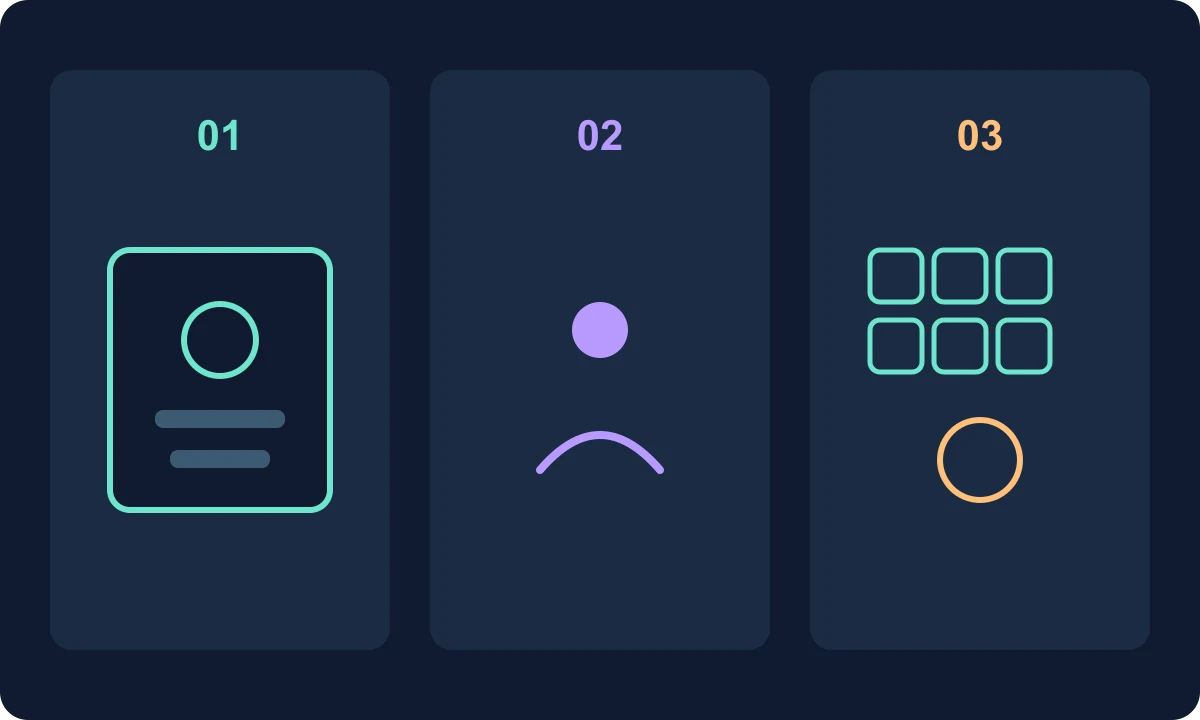
| You have | Use | What the current docs describe |
|---|---|---|
| One finished Suno take whose vocal/style you want on new songs | Persona (Style Persona) | Save the essence of that song; recall it in Custom mode |
| Your own singing, verified as you | Voices | Record or upload, verify a spoken phrase, then use that timbre |
| At least six tracks you own in one lane | Custom model | Train a picker option; not a voice clone |
Suno’s Personas help page, last edited 19 December 2025, says: More Actions → Create → Make Persona; name it; avatar; description; public by default unless you toggle private. Later, in Custom mode, the Personas area sits above the lyrics field and fills Style of Music. Personas live at https://suno.com/me/personas. The products page adds that shared Personas can be used by other people.
The Voices FAQ (26 March 2026) is the current Create-menu map: the Voices button replaced Personas, Style Personas remain in that menu, and you can still start a Voice from a library song via Create → Voice. Voices is not available under 18, and some regions cannot record or upload. Verification compares a displayed phrase with your uploaded vocal; a quiet room and a clear read matter. If the song does not sound like you, the FAQ tells you to confirm v5.5, raise Audio Influence, and prefer a clean acapella for the profile.
A delivery prompt (“soft, spoken, close mic”) is still a Style-field job, covered in better vocals. That is not a Voice.
Public persona, private voice
Leave a Persona private unless you intend others to reuse that identity. A Voice used to create stays with you; sharing or publishing the song, with Remix allowed, is the path the FAQ describes for other people covering that vocal.
Custom models remain a catalogue tool. The help page still said they cannot be shared among users when the custom-model article was checked; the 15 October collaboration note disagrees for Premier. That conflict stays on the custom-model page.
Exercise: one spoken-guitar project
Planning only. Same lane as the custom-model six-track sheet.
You have:
porch-dusk-v3, the take whose spoken chorus you want on future songs.- A quiet phone recording of yourself singing that chorus.
- Eight finished guitar songs you own, six of which belong in this lane.
Write the assignment before opening Create:
Keep the v3 spoken character on new lyrics  -> Persona from porch-dusk-v3, set private
Lead vocal should be my recorded timbre     -> Voice from the phone take, v5.5, then Audio Influence
Later songs should start in this guitar lane -> custom model from the six owned tracks
Do not train the custom model on the phone sketch. That sketch is a Voice candidate, or a later audio upload, not a sixth training file.
After one Persona song and one Voice song, keep lyrics identical and change only the identity control. Listen for whether the Persona carried arrangement habits and whether the Voice carried timbre. If both move, you will not know which control did the work.
FAQ
Did Voices replace Personas?+
In the Create menu, yes: the Voices FAQ, edited 26 March 2026 and re-read on 16 October 2026, says the Voices button replaced Personas. Style Personas remain inside the Voices menu.
Can other people create with my Voice?+
The same FAQ says only you can create with your Voice. Songs you share or publish can be remixed or covered by others if you allow Remix, which can put that vocal in their tracks.
Which model do New Voices need?+
The Voices FAQ says to select v5.5 before Create. Other models do not support New Voices. If the result still does not sound like you, it suggests raising Audio Influence and using a clean acapella for the profile.
Is a Persona a custom model?+
No. A Persona is captured from one song. A custom model is trained on at least six tracks you own. That training job is a separate tutorial.