A custom model is useful when you want later songs to start from your catalogue, not from a one-line style prompt. It is the wrong tool when you only need to pick v6 versus Max Mode, record a Voice, or turn one memo into an arrangement.
Suno’s Using Custom Models help page, last edited 9 September 2026 and re-read on 16 October 2026, is the procedure source below. The 15 October collaboration note adds a Premier sharing claim that the help page still contradicts. This tutorial follows the help page for creation, flags the conflict on sharing, and uses an original six-track selection exercise. No model was trained for this article.
Not v6, not Voices, not an upload
Keep the four jobs separate before you spend credits.
- v6 family and Max Mode change how a prompt is generated. Start with the v6 selection guide when the question is wild versus settled, or whether a higher-credit pass is worth it.
- Voices is a recorded or uploaded vocal identity. It is not this workflow. A Style Persona captured from one song is a third identity tool; pick among the three in Personas vs Voices.
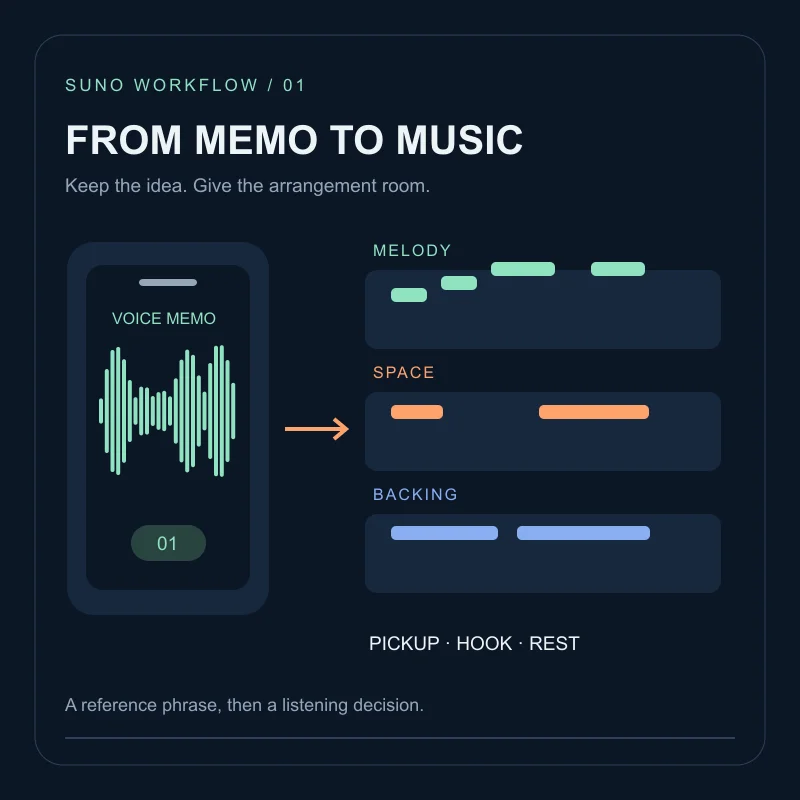
- Audio upload sends one memo or performance into a new arrangement. Use the voice-memo workflow when you have a single idea to preserve, not a catalogue to learn from.
- Custom model trains on multiple songs you own, then appears in the model picker.
If you only have one usable recording, upload it. If you have a pile of finished tracks in a recognisable lane, a custom model has a job.
Eligibility
From the help page checked on 16 October 2026:
- Pro and Premier.
- You must own the rights to every uploaded song.
- At least six tracks; a Bulk Upload function is mentioned for batches.
- Up to three custom models.
- After you choose Create Custom Model from the model dropdown on Create, and at least six tracks are present, Suno says preparation takes about two to five minutes. Treat that as a vendor estimate, not a deadline.
The same page still ends with: custom models are private and cannot be shared amongst users. The October collaboration note says Premier can share custom models, now with twice the inputs. Until the help article matches the announcement, write sharing as unverified. If the picker in a Premier account shows a share action, the interface is the evidence; this article does not reconstruct that click path.
Exercise: pick six
This table is a selection drill. It is not a trained model and not a listening test.
Imagine you make quiet guitar songs with a spoken chorus. You have eight files. Rank them before you click Create:
| File | Keep for the model? | Reason |
|---|---|---|
| porch-dusk-v3 | Yes | Same guitar language and spoken chorus you want repeated |
| porch-dusk-hum-sketch | No | A hum take; better as a later audio upload than as training material |
| kitchen-radio-cover | No | You do not own the underlying song |
| station-lights-instrumental | Yes | Same harmony world, no conflicting lead vocal |
| station-lights-club-edit | Maybe | Useful if you want that louder drum lane; drop it if the model should stay quiet |
| window-hook-final | Yes | Clear vocal character you actually use |
| leftover-techno-jam | No | Different project; it would teach the wrong lane |
| porch-dusk-tv-mix | Yes | Same songs, broadcast-safe mix; still your work |
Four firm yes files are not enough. Add two more from the same lane, or wait. Mixing a techno leftover into a spoken-folk model is allowed by the six-track count and still a bad brief.
Create from the model dropdown
On Create, open the model dropdown and choose Create Custom Model, as the help page states. Add eligible recordings; use Bulk Upload if you are attaching a batch. When at least six tracks are listed, start creation and wait until the new model appears in the picker.
Do not close the account mid-wait and assume failure. Read the progress or error on screen. The two-to-five-minute figure is Suno’s description, not a measurement from this site.
Name the model after the lane (spoken-guitar-beds), not after a marketing slogan. You may only have three.
After it appears
Write one short brief you already understand. Generate it once with your usual v6 option and once with the custom model, keeping lyrics and attachments still. Compare whether the custom pass kept the guitar-and-spoken habit you trained, not whether it “sounds more you” in the abstract.
Record four lines: model name; displayed cost; one timestamp that followed the lane; one timestamp that did not. If the custom model misses the same requirement twice, the training set was probably mixed, not “too small in a mystical sense.” Adjust the six tracks rather than stacking Max Mode on top as a guess.
Sharing that model with a collaborator is a Premier announcement, not a help-page procedure today. If you needed a song library in common, that is a shareable workspace, which is a different object from a trained model.
FAQ
Is a custom model a voice clone?+
The help article describes a model trained on songs you own, selected later from the model picker. It is not the Voices recorder, and it is not a promise that the result will sound like a specific person.
Can I train on other people's songs?+
The Using Custom Models help page, checked 16 October 2026, says you must own the rights to every song you upload for the model.
Does a custom model replace v6 or Max Mode?+
No. v6, v6-wild, v6-mini and Max Mode are generation controls described in the v6 FAQ. A custom model is an additional trained option in the picker, when your account includes it.
Can I share the trained model with a collaborator?+
The help page still said custom models are private and cannot be shared among users when checked on 16 October 2026. The 15 October collaboration note says Premier users can share custom models with twice the inputs. If your Premier account shows a share control, follow that label; do not treat the announcement as a verified click path.