A voice memo often contains two things: the musical idea you want to keep and the noise, hesitation or accompaniment you could happily lose. Before uploading it to Suno, decide which is which. “Make this sound finished” leaves that decision to the model; a short brief can make the result easier to judge.
This guide uses the official Audio Uploads instructions and v6 FAQ, checked on October 8, 2026. It is a current workflow for an existing feature, not a new October launch. The voice-memo exercise below is an original practice plan; no audio generation test was performed for this article.
Prepare one phrase with a clear job
Use your own recording or material you have permission to upload. Pick a phrase that expresses the idea on its own: a hummed hook, a piano melody or a short guitar figure. For this exercise, use about 15–25 seconds. That is an editing suggestion, not a Suno duration requirement.
Keep an untouched source file. In a separate working copy, remove unrelated conversation and a long accidental lead-in, while retaining the pickup and the final note’s decay. Listen once before and once after trimming. An edit that removes the breath before the first note may also remove the timing cue that made the phrase work.
If room noise obscures the melody, a clearer re-recording is often easier to assess than aggressive cleanup. Do not add a drum track simply to make the demo sound more complete: it introduces another musical instruction. Write down the intended tempo if known; otherwise describe the pulse without inventing an exact BPM.
Choose what must survive the arrangement change
Imagine an original four-bar hummed idea with a pickup, a rising three-note hook and a full-beat rest before its final note. The following brief separates those anchors from details that can change.
| Part of the memo | Keep or change? | Comparison to make |
|---|---|---|
| Pickup before the first strong beat | Keep | Does the phrase still lean into the entrance? |
| Rising three-note hook | Keep its contour | Does it remain recognisable without the source playing? |
| Rest before the last note | Keep | Has a fill covered the deliberate gap? |
| Hummed tone and room sound | May change | Does the new instrument serve the melody? |
| Background accompaniment | Add sparingly | Can the hook still be followed easily? |
This is a listening brief, not a promise that every constraint can be enforced. If exact notes are essential, retain a MIDI or recorded performance you can edit directly; the MIDI-to-audio checking workflow explains how to compare a generated alternative with a fixed reference.
Upload the source and give it one direction
On the Create page, use Audio Upload to add the file or record audio. The official help page places this control beside Create and says the upload is saved in your library. If your layout differs, find the named upload control rather than relying on a screenshot’s position. Check the displayed duration allowance before submitting a longer recording.
With the uploaded audio attached as the reference, v6 Simple mode can accept a plain-language request describing the transformation. You do not need to pretend that every account exposes an identical Cover or Extend menu. Try an original brief like this:
Use the attached humming memo as the main melody for a restrained instrumental.
Carry its rising hook on a softly picked guitar.
Keep the pickup and the rest before the phrase's final note.
Add a quiet bass part underneath. Leave space around the hook.
No singing in the new arrangement.
If your real goal is a continuation, say where the existing idea should lead instead of also asking for a completely different arrangement. If you want lyrics sung over an instrumental, that is another task; do not judge it by the same acceptance criteria as preserving a hummed melody.
Compare the source and candidate in short passes
Keep the memo available and give each candidate a distinct name. First listen to the source, then the candidate at similar perceived loudness. Do not play them on top of each other: doubled notes can make a changed phrase harder to identify.
Check the pickup, the main hook, the longest rest and the final note in that order. Record a timestamp for any failure. “The gap before the last note became a fill” gives you a specific revision; “the AI lost the vibe” does not.
Then listen to the candidate on its own. A version may preserve the contour but bury it under accompaniment. In that case, simplify the arrangement request before replacing the source. Change one instruction per attempt and keep the same memo so you know what you compared.
Diagnose the first mismatch before generating again
If the phrase starts in the wrong place, inspect the source trim and pickup first. If the hook is hard to hear even in the source, record a clearer single-part version. If the rhythm matters more than the exact notes, state that priority instead of asking for both strict fidelity and extensive reinvention.
When several attempts change a melody that must remain exact, keep the original performance and build around it in an editor you control. Generated variations can still be useful sketches; they do not have to replace the source to be valuable. For requests that become cluttered during revision, use the one-change troubleshooting method.
Save a small record with the chosen take
Keep the original memo, the trimmed upload, the request and the chosen output together. A useful note is short enough to maintain:
Source: window-hook-original.wav
Working upload: window-hook-trim-01.wav
Must keep: pickup, rising hook, one-beat rest
May change: instrument and accompaniment
Candidate: guitar-02
Decision: [write what you actually heard before accepting]
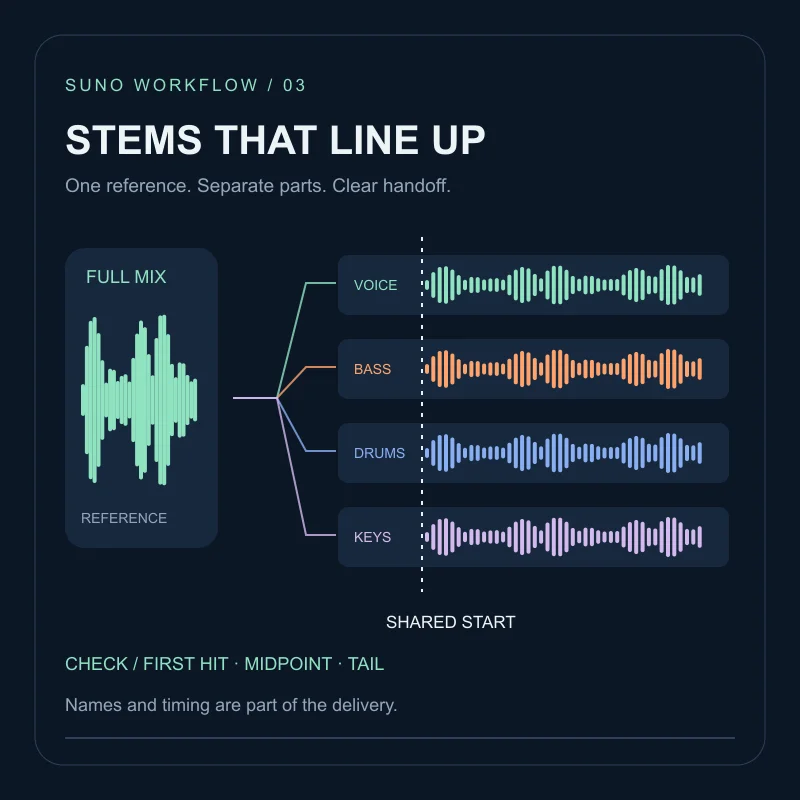
Fill in the decision after listening, not in advance. If the next step is handing the arrangement to another editor, follow the stems and export checklist so the chosen version and its timing remain identifiable. Training a reusable model from several finished tracks you own is a different job: see custom models. If the melody survived and only the clothing is wrong, Cover is the next pass in the remix edit guide.
FAQ
How long can an audio upload be?+
The official Audio Uploads help page checked on October 8, 2026 lists up to 60 seconds for Basic and eight minutes for Pro/Premier. Check the upload form for the limit applying to your account.
Will Suno keep my melody exactly?+
Do not assume exact preservation. Identify the important notes, rests and phrase ending beforehand, then compare the result against the original recording.
Is uploading a humming recording the same as creating a voice model?+
No. This workflow uses a recording as musical input. It does not establish a reusable voice identity or promise that the output will sound like the person who hummed it.