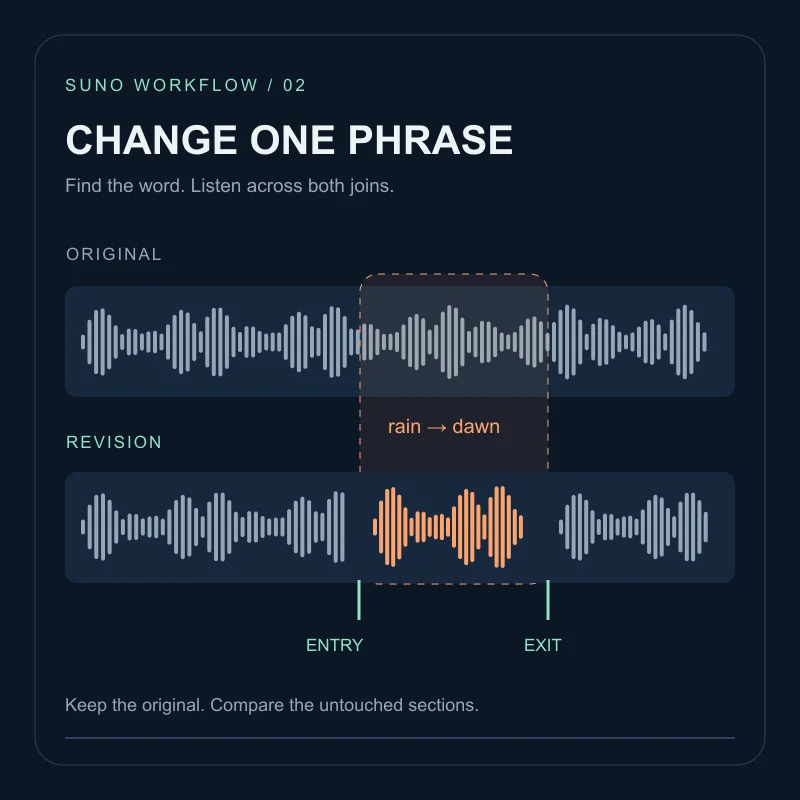
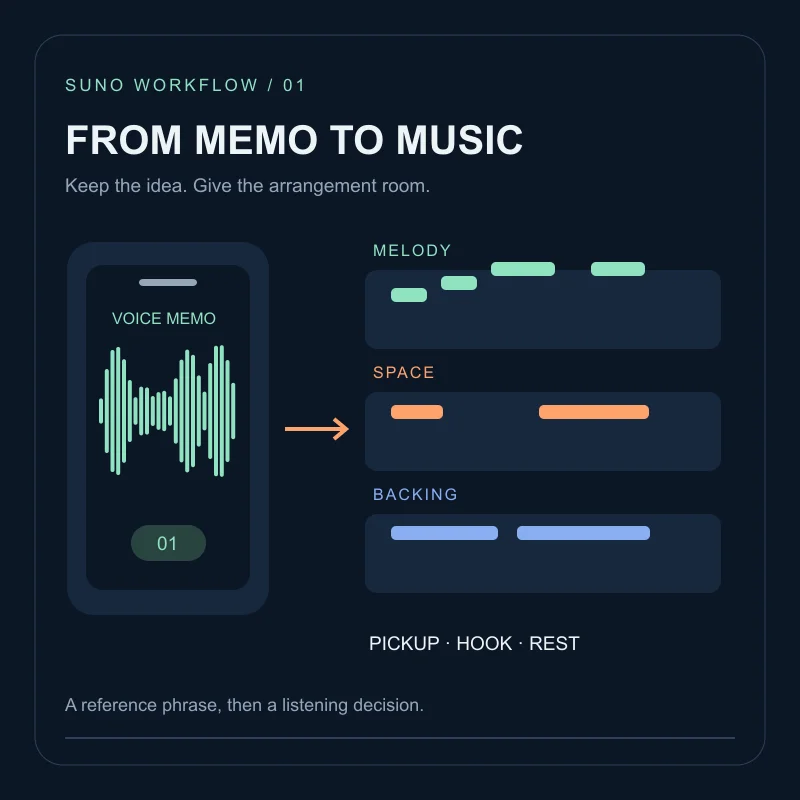
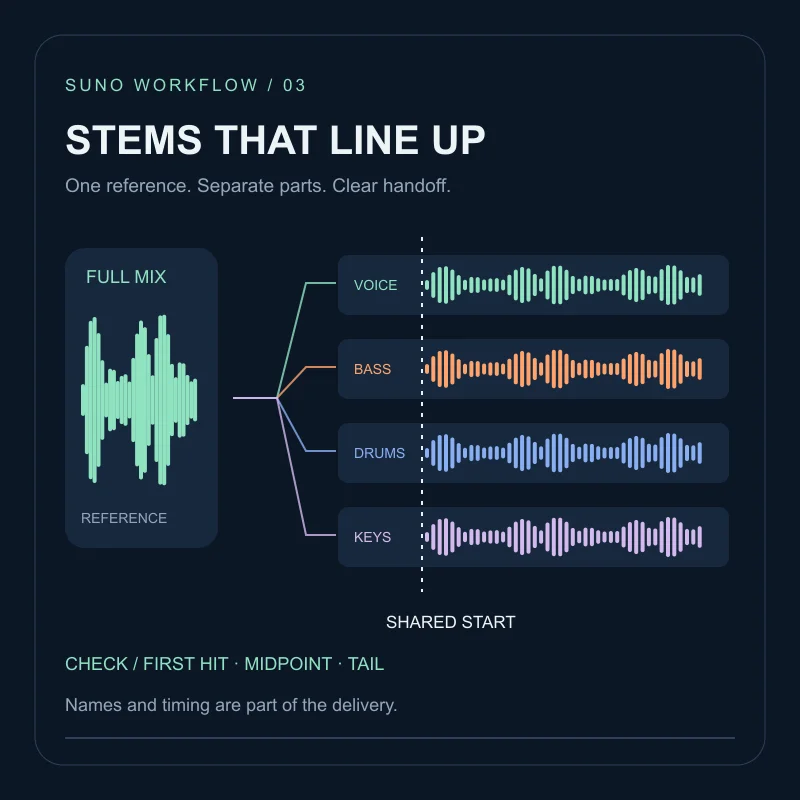
A take that is almost usable is not a prompt problem. Change the clothing with Cover, add a new ending with Extend, regenerate a middle stretch with Replace Section, or cut unused time with Crop. Generating a second song from scratch makes it harder to tell whether you fixed the fault.
Suno’s Remix help page, last edited 19 December 2025 and re-read on 16 October 2026, groups Cover, Extend, Adjust Speed, Use Styles and Lyrics, Crop and Replace Section under Remix/Edit on the web More Actions (...) menu. Older articles still describe some of those items under Create or Edit. This is a decision guide plus an original planning exercise, not an account test.
Four jobs, four tools
| Problem you can point to | Tool to try first | What the docs claim it does |
|---|---|---|
| Melody is right, genre or vocal clothing is wrong | Cover | Recreate the song in a new style while keeping the melody; lyrics can travel with it |
| Song dies too soon, or the ending is the only weak part | Extend | Generate a new continuation from a chosen point, then stitch with Get Whole Song |
| A 10–30s middle region is wrong (lyric, riff, or a break you want) | Replace Section | Recreate that region, pick one of two takes, then receive a tagged full song |
| Extra count-in, silence, or leftover tail | Crop | Keep a contiguous selection and discard the rest |
Cover is described on Suno’s products page as starting from a voice memo or a finished track. The older Cover help article (27 September 2024) still says the tool is Pro/Premier, in beta, and limited to songs you created. If a memo is the source, prepare it with the audio-upload workflow first; Cover is the style pass, not the upload.
Extend steps come from How do I make my song longer?: Remix/Edit → Extend, drag the white arrow to choose how much to keep, add lyrics or style, Create, then Get Whole Song on the extension you want.
Replace Section is documented for Pro and Premier in Can I replace a section of a song?. Highlight the region, edit the populated lyrics if needed, Recreate Section, Confirm, listen to both versions, then accept one. Suno then builds a new Whole Song, tagged Section and Full Song. The October 2024 announcement required a 10–30 second selection; the later help page does not repeat that window, so read the limit shown in the editor.
Crop, also Pro/Premier on the crop help page, is Remix/Edit → Crop Song, drag the waveform, Crop Song. A new file is added to Library and Workspace. The 2024 announcement called the workflow desktop-only; confirm the current device in your account.
One-word lyric repairs belong in the local lyric-edit workflow, not in Cover.
Who is allowed to remix
Two help pages disagree in scope. How do I enable or disable Remixes? (21 May 2025) lists Cover, Extend, Reuse Prompt and Adjust Speed, and says songs created before that date default to Remix off. The December 2025 Remix article adds Crop and Replace Section, and says someone else’s music can be remixed only if they allowed it.
Use Visibility & Permissions on each track. A public link is not the same as Remix enabled. If the song is not yours, the Remix help page says you cannot monetise the result.
Exercise: four faults, one take
This sheet is a planning drill. No audio was generated for it.
Imagine porch-dusk-v3 is otherwise the take you want:
- The chorus melody is clear, but the clothing is glossy pop and you needed dry spoken-folk guitar.
- It stops at 1:52 with no last line.
- The second chorus mumbles “porch light” into “porch night”.
- The first eight seconds are a spoken count-in you never meant to keep.
Assign one tool to each fault before clicking anything. A reasonable first map is Cover for (1), Extend plus Get Whole Song for (2), Replace Section for (3), Crop for (4). Do not run Cover and Replace Section on the same parent file in one pass: you will not know which change moved the mumbled word.
Write the parent filename and the intended child name, such as porch-dusk-v3-cover-folk-01. Keep the untouched original.
Check the new file, not the menu
- Play across the edit point. A Cover should still carry the old hook; an Extend should meet the old last bar; a Replace Section should not smear the bars on either side.
- Confirm you are listening to the Full Song or Get Whole Song file, not only the fragment.
- Keep the parent take. Crop and Replace Section both create new library items.
If the next job is stems for another editor, use the stems checklist. If the clothing is fine and only one sung word is wrong, go back to the lyric-edit guide instead of covering the whole track.
FAQ
Is Cover the same as remixing someone else's song?+
Not by default. The Cover help page, last edited 27 September 2024 and re-read on 16 October 2026, still says Cover is for songs you created. The later Remix help page says other people's tracks can be remixed only if they allow Remixes. Treat the on-screen Remix/Edit menu as the current contract.
Do I need Get Whole Song after Extend?+
The Extend help page, checked 16 October 2026, says an extension is a new ending. Use Get Whole Song from that clip's More Actions menu to stitch it onto the original.
When should I Crop instead of Replace Section?+
Crop keeps a contiguous portion and discards the rest, which is useful for a long intro or leftover tail. Replace Section regenerates a middle region and then builds a new whole song. The December 2025 help pages still describe both as Pro and Premier tools.
Will a remix of someone else's song be mine to sell?+
The Remix help page says rights stay with the original creator, so you cannot monetise a song that did not start as your own.