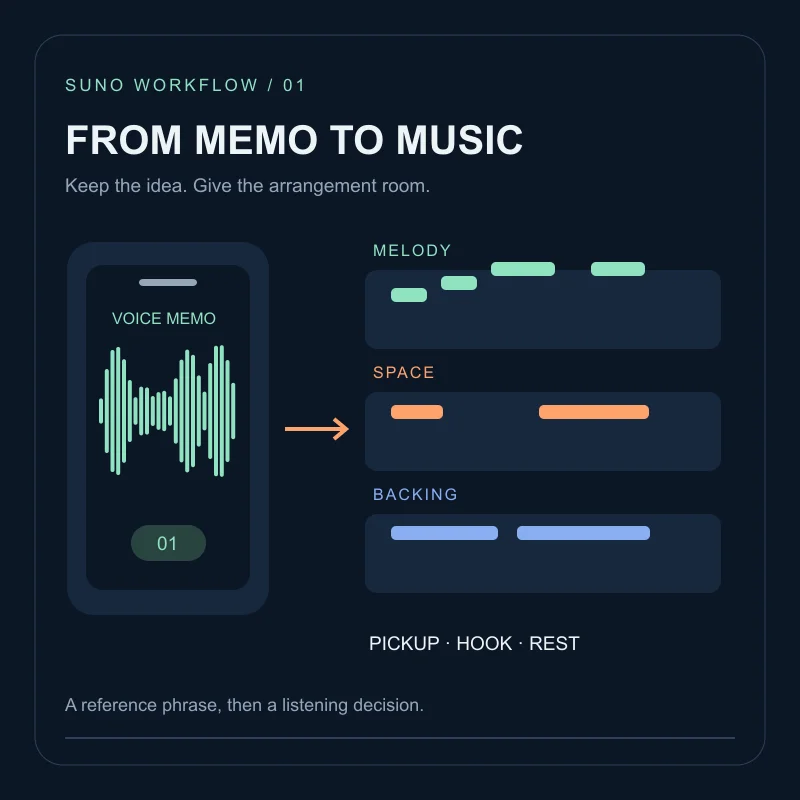
A MIDI phrase can be recognisable yet awkward when played by a different instrument. A sustained keyboard line, for example, may need a different articulation as a guitar part. When you ask for an audio version, decide whether the goal is faithful phrasing or a looser arrangement before judging the result.
Suno’s September 17, 2026 Studio update describes improved MIDI-to-audio generation and requests through the chat bar using a MIDI clip. It also describes generating MIDI from a prompt. This October 8 tutorial concerns MIDI to audio, not transcription in the opposite direction. The exercise below is original and has not been tested as a controlled generation benchmark.
Prepare a reference you can hear and inspect
Start with eight bars of your own material. Eight bars keeps the comparison manageable; it is not a product limit. Use one musical part, and keep the note data, tempo, meter and a simple reference audio render together. Do not change the tempo while testing the instrument change.
Before importing, listen for duplicated notes, unintended overlaps, an extra pickup or a missing rest. A bad source phrase makes it difficult to tell whether the output changed your idea or merely followed a mistake already present in it.
Suno’s Studio 2.0 announcement documents MIDI import, recording and editing on a timeline. Check your current account for Studio access; that announcement identifies Premier access at launch, rather than establishing a permanent entitlement for every plan.
Name the source and the change
Bring the phrase into Studio and name it clearly, for example theme-source-8bars. Preserve a copy before experimenting. The September update documents clip renaming and asking the chat bar to create audio stems based on a MIDI clip. Use the clip name to identify the material instead of describing an imaginary selection you have not made.
An original practice request:
Create an audio stem from theme-source-8bars using a dry, softly picked guitar.
Keep the phrase's note starts and rests as the reference.
Let the last note finish naturally. Do not add a drum part.
This asks for a result to evaluate; it does not force sample-accurate compliance. For a useful comparison, try a second version changing only softly picked guitar to muted electric piano. If you also rewrite the notes and alter the tempo, the comparison no longer tells you much about the instrument choice.
Check five landmarks before listening to the whole mix
Compare the original reference and candidate at similar perceived loudness. Avoid playing both leads simultaneously at first: doubling can hide missing notes or make an ordinary timing difference sound like a deliberate effect.
| Landmark | Question | If it fails |
|---|---|---|
| First note | Does the phrase enter where intended? | Check source position and any leading silence |
| Main motif | Are its important note starts recognisable? | Try a clearer articulation before adding adjectives |
| Longest rest | Is the intended space still audible? | Ask for fewer fills or less sustained texture |
| Phrase peak | Does the register support the arrangement? | Test the same part with a different instrument |
| Last note | Is the phrase complete, with a usable tail? | Check the end of the source and export range |
Write down the bar or timestamp of a mismatch. “Rest before bar five was filled” is more actionable than “not accurate.” For an exploratory arrangement, the added material might be worth keeping; for a fixed melody, it is a reason to reject that candidate.
Put the candidate back in context
Mute the original part and audition the candidate with the rest of the arrangement. Listen where the lead shares space with vocals or a bass movement. A solo tone that sounds impressive can be too dense for the song.
If timing or exact pitches must be preserved and repeated candidates do not meet the brief, retain the original MIDI played through an instrument you control. Use generated audio as an alternate texture rather than silently substituting a changed melody.
Export a handoff someone else can follow
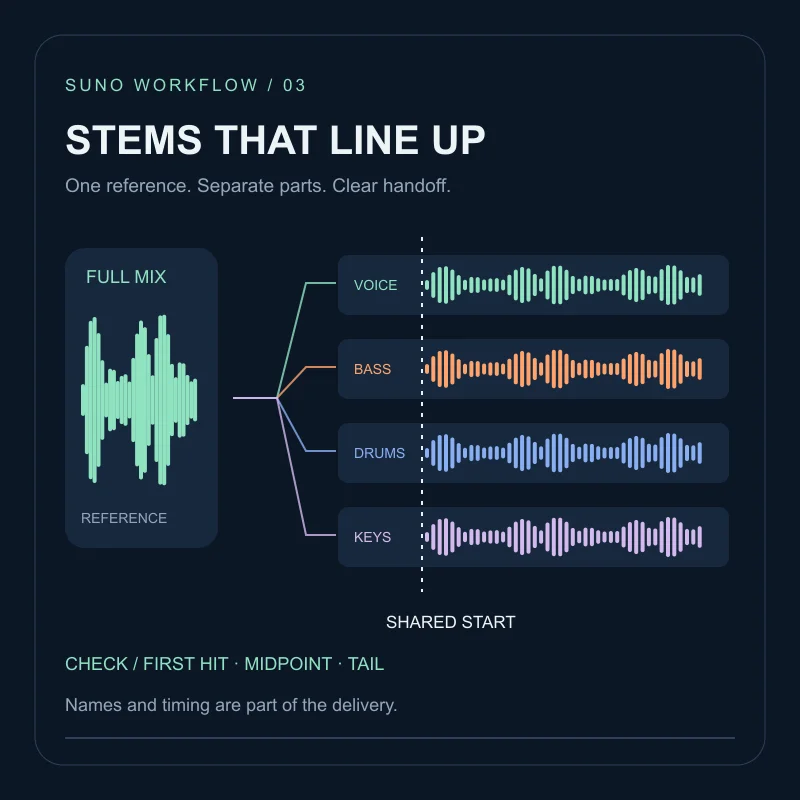
Keep source MIDI, reference audio, chosen stem and a note of tempo, meter, start position and the intended tail. When preparing files for another editor, use a common start point and check the files in a fresh session. This is an export discipline, not a claim that a specific Suno button performs it automatically.
For a loop, test the end-to-start join with the instrumental BGM checklist. If a candidate is attractive but unusable, record its specific failure in the troubleshooting workflow before generating another version.
FAQ
Does the source have to be eight bars long?+
No. Eight bars is a manageable practice length for checking note starts, rests and the phrase ending, not a stated Suno requirement.
Does MIDI-to-audio mean extracting MIDI from a finished song?+
No. Here MIDI is the input and an audio stem is the output. Audio-to-MIDI transcription is a different task.
Will the generated audio preserve every note exactly?+
Treat fidelity as something to check. Keep the original MIDI and reference render, especially when exact notes or timing are required.