A loop that starts late and a loop that gradually falls behind need different edits. Move a consistently late clip; consider time-stretching when the start lines up but the musical landmarks drift. Before changing anything, preserve the source and decide which audible event should meet beat one.
Suno’s October 8 Studio release note, checked on October 14, documents improved first-downbeat detection for new clips, Shift-click-drag time-stretching, adjustable fade curves and floating windows. It identifies Studio as included with Premier. The workflow below is an original editing exercise; no account session or generated audio was tested.
Diagnose the mismatch at three points
Listen at the first intended downbeat, a middle landmark and the last intended downbeat. Use an obvious kick or chord change when possible. The first visible waveform peak might be a breath or pickup, so do not align by appearance alone.
| What you hear | Likely problem | First action |
|---|---|---|
| All three landmarks are equally late | Position offset | Move the clip without changing its length |
| Start fits; middle and end fall progressively behind | Duration or tempo mismatch | Check source length, then stretch a copy |
| Start and end fit; one phrase wanders | Local performance variation | Inspect that phrase separately |
| Beats fit; the join clicks or swells | Boundary or tail problem | Inspect the cut and fade, not the BPM |
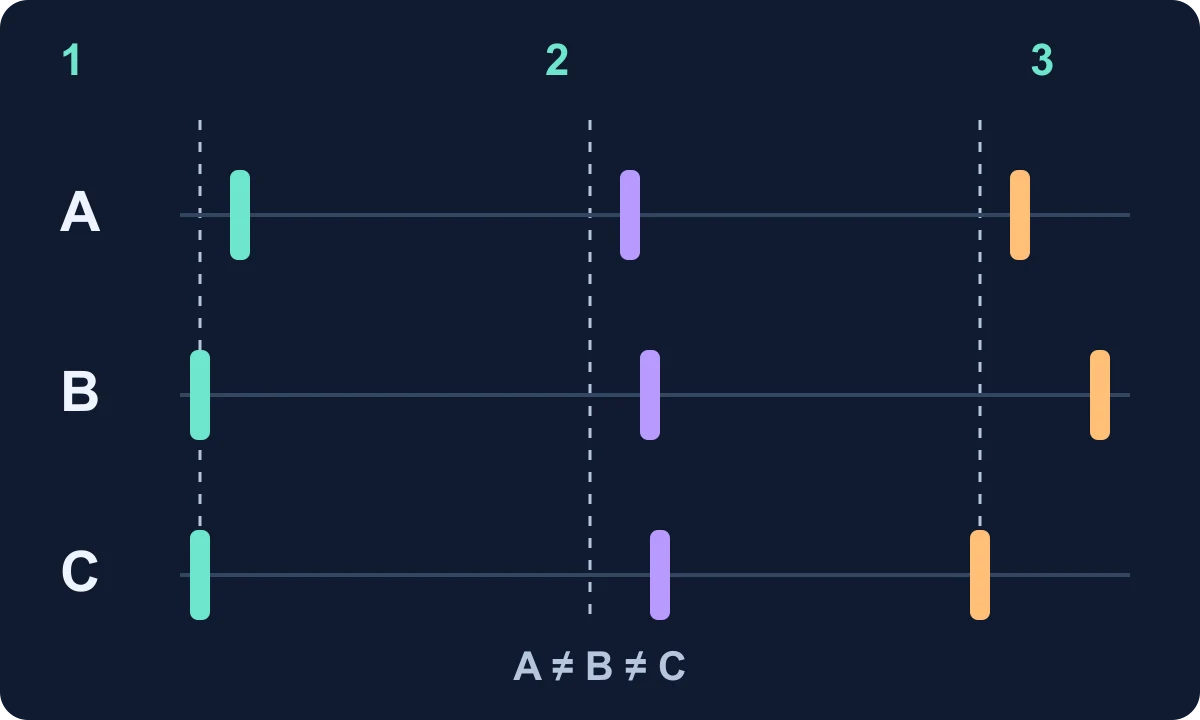
The diagram uses invented timing markers. Its purpose is to separate three diagnoses, not to show a measured Suno waveform. If a singer enters before the first bar, keep that pickup and align the intended downbeat later in the clip. Better detection can reduce manual work; it cannot decide which musical entrance you want.
Fit a four-bar loop without guessing its length
Assume your own source is exactly four bars of steady 4/4 at 100 BPM, excluding a reverb tail. It contains 16 beats: 16 × 60 ÷ 100 = 9.6 seconds. At 120 BPM, the same 16 beats occupy 16 × 60 ÷ 120 = 8 seconds.
The target duration is therefore 83.33% of the source duration. That is a timing calculation, not a claim that Studio has an 83.33% field. A clip with a pickup or a long tail will have a different file length; count the musical span rather than stretching the entire file to eight seconds blindly.
- Keep the original and work on a copy. Record the source tempo, meter and intended first downbeat.
- Align that downbeat with the start of the target four-bar span.
- Use the documented Shift-click-drag gesture to time-stretch the clip toward the end of the span. Confirm that duration changed rather than merely trimming the content.
- Recheck the middle and final downbeats. Then listen for smeared drum attacks, unnatural consonants or tails that have become distracting.
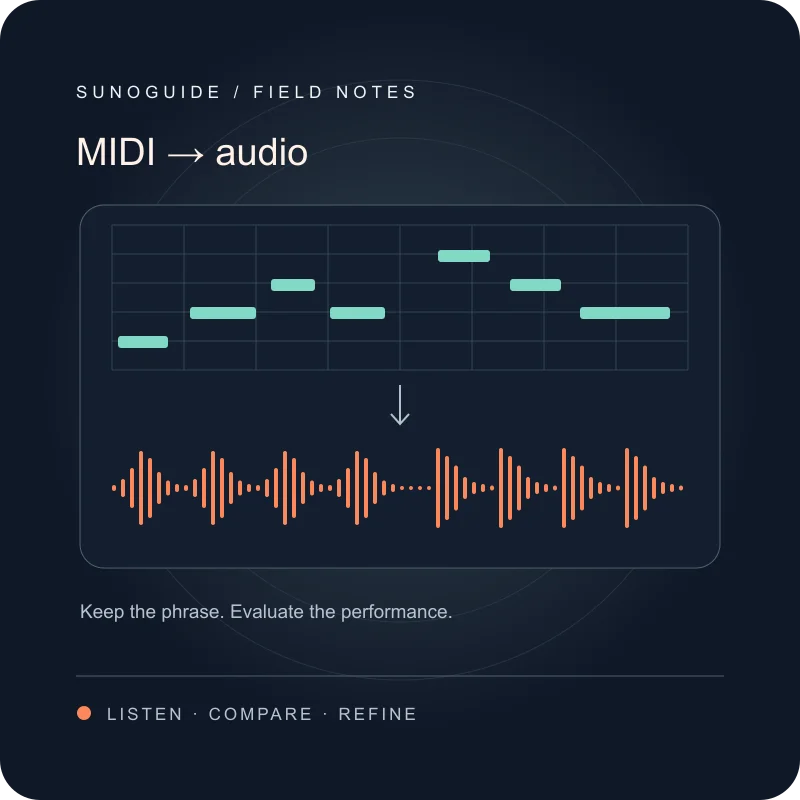
If the endpoint fits but the middle still wanders, another whole-clip stretch is unlikely to resolve the local variation. Keep the usable version and address the specific phrase, or choose a steadier source. For material built from notes, the MIDI-to-audio workflow helps you preserve a reference for comparison.
Shape the fade around what the listener should hear
The October update adds exponential and logarithmic shapes alongside the previous linear fade. Suno documents dragging the node on the fade icon to shape the curve. Decide the fade’s purpose first: remove an abrupt edge, introduce a texture gradually, or let a final note decay.
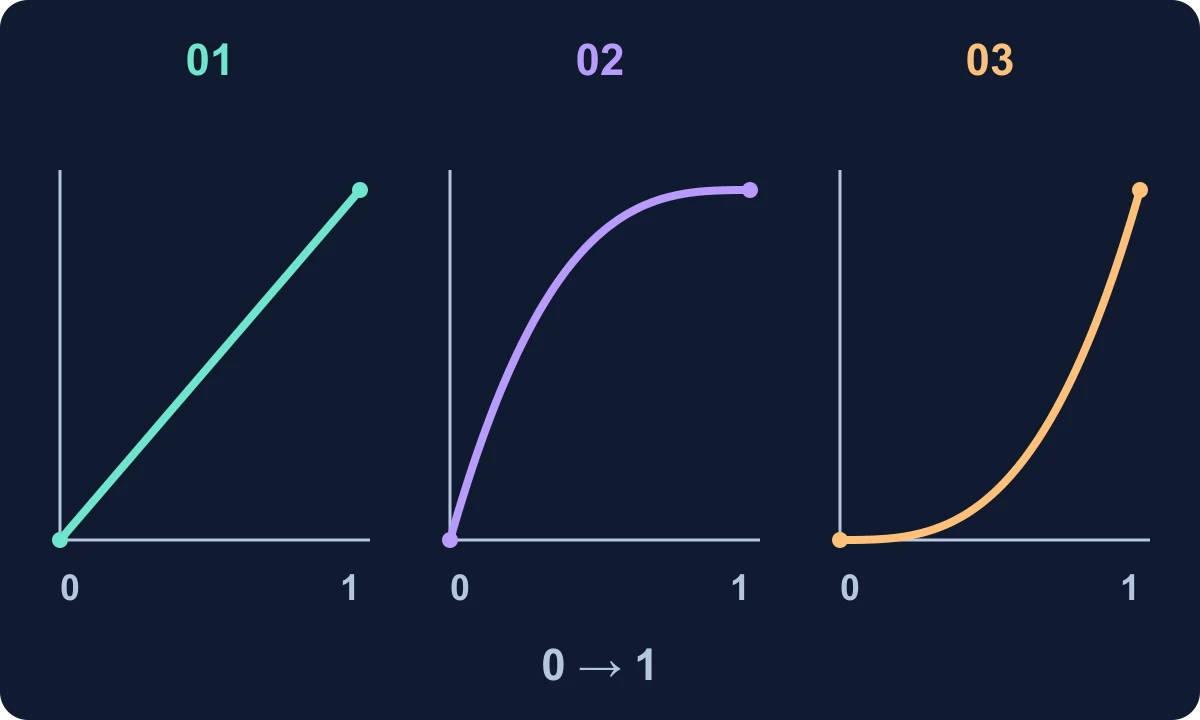
These are conceptual gain envelopes. They show how different shapes can reach the same endpoints at different rates; they do not reproduce Studio’s scale or predict perceived loudness. Begin with a short, gentle edge fade and listen in context. A long fade across the start of a kick can remove the attack you were trying to keep.
For a pad entrance, compare two copies with the same fade duration but different curves. Keep the arrangement and playback level unchanged. Choose the curve that brings the pad in without a sudden jump; do not assume the most curved option is more professional. Where clips overlap, listen for a dip or swell rather than expecting two matching curves to add up to constant loudness.
Separate editing space from the musical fix
Pop-out windows can move the wavetable synth, musical typing keyboard and expanded plug-in views away from the timeline. Use that space to inspect the first and last boundaries together. Rearranging windows changes visibility, not audio timing, and needs no place in your acceptance test.
When the source is an a cappella phrase, audition against a simple pulse before adding the full arrangement. A dense backing can make a misplaced breath or syllable hard to notice. Avoid repeatedly stretching the only source copy; compare candidates with the untouched reference.
Accept the edit only after a second pass
Play the edited span twice in sequence. Check the end-to-start join, then play it inside the song. A standalone loop can seem smooth while conflicting with a bass note or vocal pickup in context.
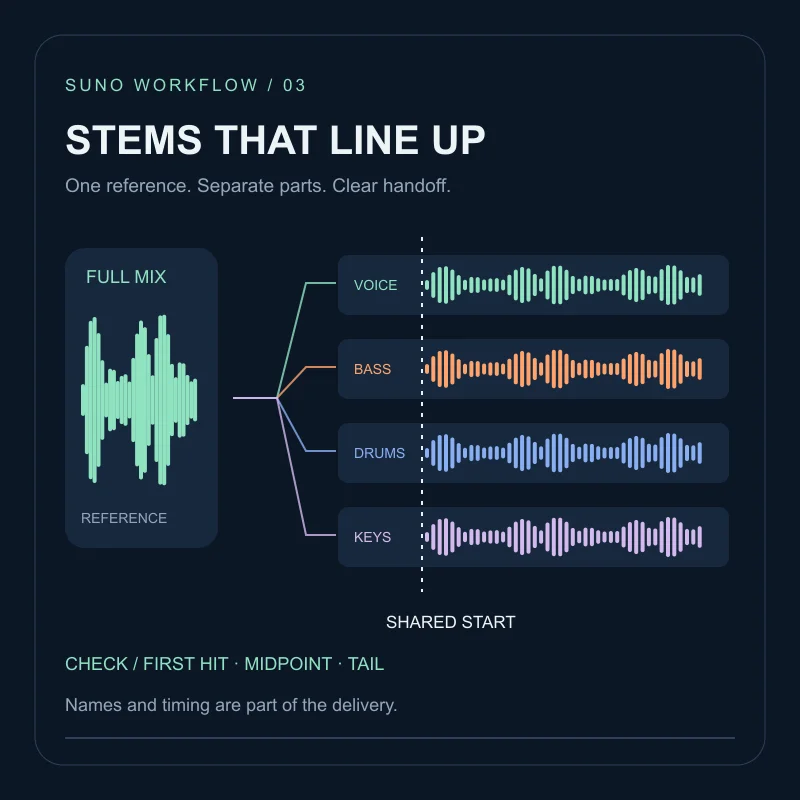
Record the intended start, end, tempo, any retained pickup and the reason for your chosen fade. Keep a candidate only if the musical landmarks fit and the edit introduces no objectionable artifact. If both conditions cannot be met, retain the original or change the arrangement. Use the stems and export checklist when handing the finished part to another editor. A missing bass line you can describe belongs in the Studio chat bar; a late snare does not.
FAQ
Does the October update remove every timing problem?+
No. Suno reports better first-downbeat detection for new clips. A pickup, leading silence or changing tempo can still require your judgment.
Should I stretch a clip that is late by the same amount throughout?+
Usually move its position first. Stretching changes duration and may turn a simple offset into a tempo mismatch.
Does the four-bar example describe a tested Suno output?+
No. It is a calculated editing exercise with an assumed steady 4/4 source, not a generation or audio-quality test.