A late snare is a timeline problem. A missing bass line you can describe in one sentence is a chat problem. Type a request that names the part, the reference and the check; do not ask chat to “make it better.”
Suno’s Studio Chat page, edited 13 August 2026 and re-read on 16 October 2026, calls the bar beta. Studio 2.0 is Premier-only. This tutorial follows those pages and uses an original request-writing exercise. No project was opened for it.
Two surfaces, one conversation
From the Chat page:
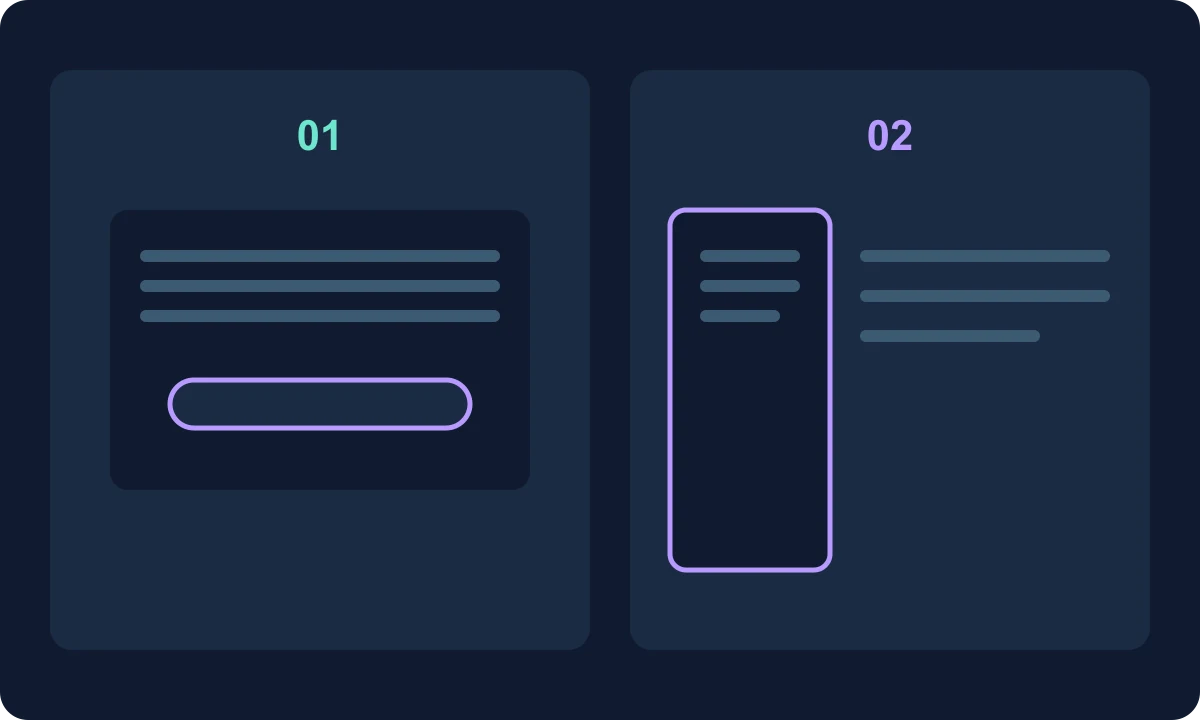
- Open with the circular sparkle control, or select a track/clip and press Enter.
- Toggle the floating bar and the left-hand panel with 1.
- Dismiss with Escape.
- History stays with the project until you clear it in settings.
Chat sees the focused track, the selection and the tempo. “Make this louder” refers to the current selection. If the request is ambiguous, the page says chat asks with tappable options instead of guessing. Status lines such as “Inspecting the tracks” are expected. Useful replies can include Audition Take 2 or Add to track when a custom effect is ready.
Undo is the documented safety net: chat uses the same pipeline as manual edits, so Cmd+Z / Ctrl+Z steps back. Save with Cmd+S / Ctrl+S before a wide request.
What to type, and what not to
The Chat page lists reading the project, editing clips, generating MIDI or alternate audio, building a described effect, and jumping to the right view. Plugin design is covered on the effects page: describe the device, confirm Build It, then save it to your library. Third-party VSTs stay unsupported.
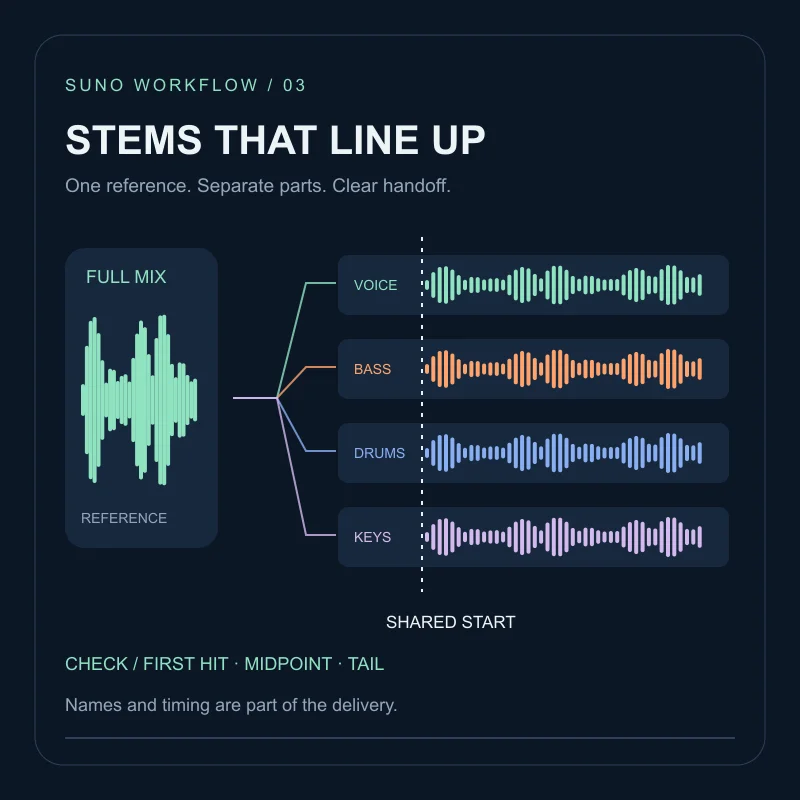
Do not start in chat when the fault is a late downbeat, a stretch to a new tempo, or a fade curve. Those are the Studio timing tools from the October 2026 Studio note. Chat can still generate a part; you still check it against the metronome (Shift+C) as Studio 2.0 itself recommends.
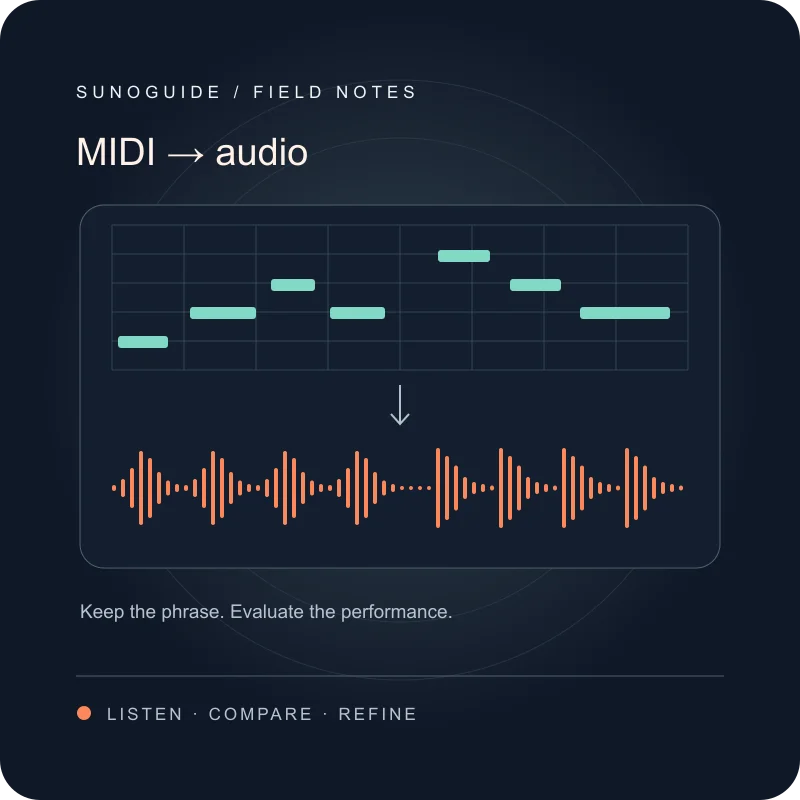
A MIDI idea you already know in notes belongs in the MIDI-to-audio check, not in a vague “add something musical” line.
Exercise: three requests, one four-bar drum loop
Planning drill. Drums occupy bars 1–4. You want a bass that follows them.
| Request | Why it helps or fails |
|---|---|
Add a laid-back electric bass on a new track for bars 1–4 that follows the drum kicks, then give me an alternate take. |
Names the part, the range, the reference and the extra take the docs mention |
Make it better |
No object, no range, no check. Chat will have to guess or poll |
The snare is 80 ms late, fix the timing |
A timeline alignment job. Use down-beat detection, nudge or stretch instead |
Select the drum clip before the first request so “follows the drum kicks” has a target. After a take appears:
- Solo the new track (Shift+S) with the metronome.
- Audition Take 2 if the button is there; keep one.
- Undo once on purpose, then Redo, so you know the safety net works on this project.
- If the bass is musically right but late, stop chatting and use the timing guide.
Chrome is the documented browser. Studio needs 768px width; phones are out. If you only needed stems for a DAW, skip chat and use the stems export checklist.
FAQ
Who can use Studio chat?+
The Studio 2.0 help page, edited 13 August 2026 and re-read on 16 October 2026, says Studio is included with Premier. Chat itself is described as beta on the Studio Chat page.
Does chat replace the timeline?+
No. Chat runs the same operations you could perform by hand, and Cmd/Ctrl+Z undoes a chat change. Timing alignment, clip stretching and fade curves remain timeline jobs.
Can I load a VST with chat?+
No. Studio 2.0 can build custom effects from a description. It does not host VST or Audio Units plugins.
Does Studio chat work on a phone?+
The Studio 2.0 page requires a screen at least 768px wide and says mobile devices are not supported. Chrome is the recommended browser; Web MIDI is not available in Safari.